

Many companies use data automation platforms to find leads. These platforms also handle automated outreach emails and keep lead data in sync across tools. Sifting through the numerous sales intelligence tools on the market today can be tedious and time-consuming. To help you understand one of the more popular options available, we’ll take a look into Clay, a B2B lead generation tool used by countless businesses globally. This guide will cover current pricing and plans to see if it’s worth the cost.
Here’s a quick summary of Clay’s pricing:
| Plan | Monthly price | Annual price (per month) | Actions per month | Data Credits per month | Notable inclusions |
|---|---|---|---|---|---|
| Free | $0 | $0 | 500 (6,000/yr) | 100 (1,200/yr) | Unlimited seats and tables, up to 200 rows per table, Claygent AI agent, bring your own API key |
| Launch | $185 | $167 | 15,000 (180,000/yr) | 2,500 (30,000/yr) | Adds phone number enrichment, unlimited search via Audiences, job-change and other signals, email sending |
| Growth (Recommended) | $495 | $446 | 40,000 (480,000/yr) | 6,000 (72,000/yr) | Adds CRM auto-sync, data warehouse sync, HTTP API integrations, webhooks, web intent signals, priority support |
| Enterprise | Custom | Custom | Custom (roughly 200,000+ per Clay’s FAQ) | Custom (roughly 100,000+ per Clay’s FAQ) | SSO, role-based access control, dedicated growth strategist, dedicated Slack channel, custom CSA/DPA |
What is Clay?
Clay is a data automation platform that helps you discover quality leads, automate lead enrichment and workflows, and integrate and enrich your lead data. Users have found they save hours each week using Clay since they no longer have to research and vet companies and complete routine tasks, allowing sales teams to focus on their primary task – selling.
Clay gives users access to unique data, including contact information, firmographics, technographics, and funding information for any data point, with no contracts required. There is a free version for new users who want to try out the service, two self-serve paid plans, and a custom Enterprise plan for larger teams.
Clay Pricing: Plan Breakdown
A March 2026 overhaul replaced the old tier names. The platform now sells four plans: Free, Launch, Growth plus Enterprise. If you see an article or forum post mentioning a Starter, Explorer, or Pro plan, that is the old structure. Existing customers on those tiers kept their original pricing, but new signups only see Launch or Growth.
| Before March 2026 | From March 2026 (current) |
|---|---|
| 5 plans: Free, Starter, Explorer, Pro, Enterprise | 4 plans: Free, Launch, Growth, Enterprise |
| Single combined credit type | Two separate meters: Data Credits and Actions |
| Entry paid plan: Starter | Entry paid plan: Launch ($167/month billed annually) |
| Mid-tier plan: Explorer | Recommended plan: Growth ($446/month billed annually) |
| Existing Starter/Explorer/Pro customers | Kept their original plan and pricing, not migrated automatically |
Verified directly on Clay’s pricing page: the current four-plan, two-meter structure above is what new signups see today.
Free
The Free plan is how most people try Clay before paying for it. It includes unlimited seats and unlimited tables, up to 200 rows per table, Claygent’s AI agent, and the option to bring your own API key. It does not include phone enrichment, signals, CRM or HTTP integrations, scheduled enrichment, or email campaigns.
Price: free, 500 Actions and 100 Data Credits per month (6,000 Actions and 1,200 Data Credits per year).
Launch
Launch is Clay’s entry paid plan. On top of everything in Free, it adds phone number enrichment and unlimited search through Clay’s Audiences feature. It also adds job-change and other buying signals, reusable custom functions, plus email sending through Clay or an integration.
Launch starts at $185/month billed monthly, or $167/month when billed annually, for a base tier of 15,000 Actions and 2,500 Data Credits per month. Both meters scale independently if you need more of one than the other; Clay’s pricing page lists higher Action tiers up to 200,000/month and higher Data Credit tiers up to 50,000/month.
Growth
Growth is the plan Clay recommends on its own pricing page. On top of everything in Launch, it adds CRM auto-sync and enrichment plus data warehouse sync. It also adds HTTP API integrations, webhooks and web intent signals, unlimited ad audiences, domains and inboxes for Clay’s Sequencer, plus priority support.
Growth starts at $495/month billed monthly, or $446/month when billed annually, for a base tier of 40,000 Actions and 6,000 Data Credits per month. Higher usage tiers run up to 200,000 Actions and 50,000 Data Credits per month.
Enterprise
Larger teams that need volume beyond Growth’s published tiers, or features like single sign-on and role-based access, move to Enterprise. It adds unlimited search and imports, SSO, role-based access control with workbook-level credit budgets, a dedicated growth strategist, a dedicated Slack channel, faster 15-minute source sync, six months of table version history, and custom legal paperwork (CSA/DPA).
Price: custom quote, annual commitment. Clay’s FAQ gives a rough floor of 100,000+ Data Credits and 200,000+ Actions per month.
What Are Clay Credits and Actions?
Clay now runs two separate usage meters instead of one combined credit. Data Credits are spent only when Clay pulls a new data point from one of its enrichment providers. Actions are spent on everything else the platform runs for you, including workflow steps, Claygent AI calls, and API or CRM pushes.
Actions reset every billing cycle with no rollover. Data Credits roll over, though Clay’s own FAQ and comparison table state the rollover cap differently (the FAQ says up to 2x your monthly allowance; the comparison table says up to one month’s credits or 15% of your annual allowance), so treat the exact cap as approximate until you check your own account. Top-up credits cost a 30% premium over your plan’s standard rate on Launch and Growth; Enterprise top-up pricing is custom.
How Credits and Actions Work with Clay Pricing
| How it works | Data Credits | Actions |
|---|---|---|
| What spends it | Pulling a new data point from an enrichment provider, such as a phone number or LinkedIn profile | Everything else Clay runs: workflow steps, Claygent AI calls, API or CRM pushes |
| Prospecting and free steps | Not charged: sourcing leads and cleaning or formatting data cost nothing | Not charged |
| End of billing cycle | Rolls over (cap stated as 2x the monthly allowance in Clay’s FAQ, one month or 15% of the annual allowance in its comparison table) | Resets, no rollover |
| Top-ups on Launch and Growth | 30% premium over the plan’s standard rate | 30% premium over the plan’s standard rate |
Every step that spends a Data Credit or an Action shows its exact cost in-app before you run it, in a cost bubble next to the step. Free actions, like cleaning or formatting data, show no charge. Data-pulling steps, such as looking up a phone number or a LinkedIn profile, spend Data Credits; most other workflow steps spend Actions.
Prospecting itself does not spend Data Credits; only the enrichment and actions you run afterward do. That means you can source leads from Google Maps, GitHub, web scraping, or a connected CRM for free, then spend credits only once you enrich or act on a record. If a plan’s monthly allowance runs out before the cycle ends, top-up credits cost a 30% premium over the plan’s standard rate on Launch and Growth; Enterprise top-up pricing is custom.
Clay Pricing Compared to Competitors
Clay is transparent about its pricing options and does offer a 10% discount if you purchase a plan yearly rather than monthly. Let’s look at the pricing and key features of the main competitors before discussing their benefits in more detail.
| Alternative | Pricing | Key Features | Link to Pricing |
|---|---|---|---|
| UpLead | $74 to $199+ per month ($99 to $199 billed monthly, $74 to $149 billed annually) | 95%+ email accuracy, real-time verification | UpLead Pricing |
| ZoomInfo | Typical list pricing (before add-ons): Professional around $14,995/yr; Advanced around $24,995/yr; Elite around $39,995/yr. | Large contact database, intent data | ZoomInfo Pricing |
| Cognism | Custom, seat-based pricing. Packages are tailored, so you need to contact sales. | Compliance-focused data, Chrome extension | Cognism Pricing |
| Lusha | Credit-based plans (Free, Pro, Premium, Scale). Example: Pro at 3,000 credits/year runs about $22.45/month billed annually, or $29.90/month for 250 credits billed monthly. | Has a free tier, Chrome extension, CRM integrations, bulk export | Lusha Pricing |
| Apollo | Per-seat pricing: Basic $49/seat/month billed annually or $65 monthly, Professional $79 or $99, Organization $119/seat/month billed annually with a 3-seat minimum. | Includes a free plan, engagement analytics, sequencing tools, dialer | Apollo Pricing |
| Hunter | $49 to $499 per month | Bulk email searches, cold outreach campaigns | Hunter Pricing |
| Datanyze | Daily credit model, for example Personal at 15 credits/day; higher tiers raise the daily allowance. | Org charts, demographic filters | Datanyze Pricing |
| Snovio | $75 to $554 per month | Drip email campaigns, bulk prospect search, CRM sync | Snovio Pricing |
| Lead411 | Spark at $49/month (1,000 exports/month) or $490/year (12,000 exports/year). Higher tiers (Ignite/Blaze) go through sales; a trial is available at no cost. | Triple-verified contact database, CRM sync | Lead411 Pricing |
Clay Reviews: Is it Worth It?
Clay has hundreds of reviews on G2, and most reviewers agree it’s a solid platform for workflow automation, automated lead sourcing, and pulling quality data into one place. Many reviewers say they use Clay daily and point to its wide range of integrations and built-in free features. Other reviewers like having all of their data in one place, so their sales team can focus on contacting leads instead of sifting through and organizing data manually.
Clay is transparent about the price of each paid plan, but a common complaint is that translating credits and Actions into an actual dollar cost takes some getting used to.
Choosing a Clay Plan for Your Business
Start on Free to learn the interface and see how fast you burn through Actions and Data Credits on your actual workflows, since that usage pattern tells you more about which paid tier fits than the sticker price does.
Why UpLead is the Best Alternative to Clay
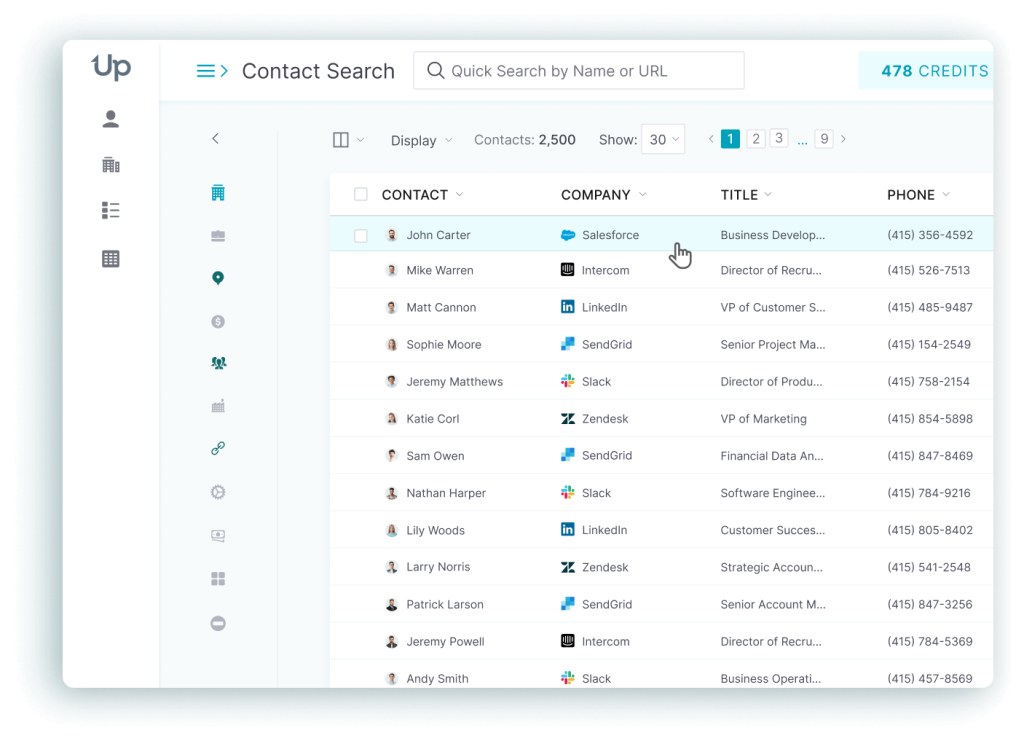
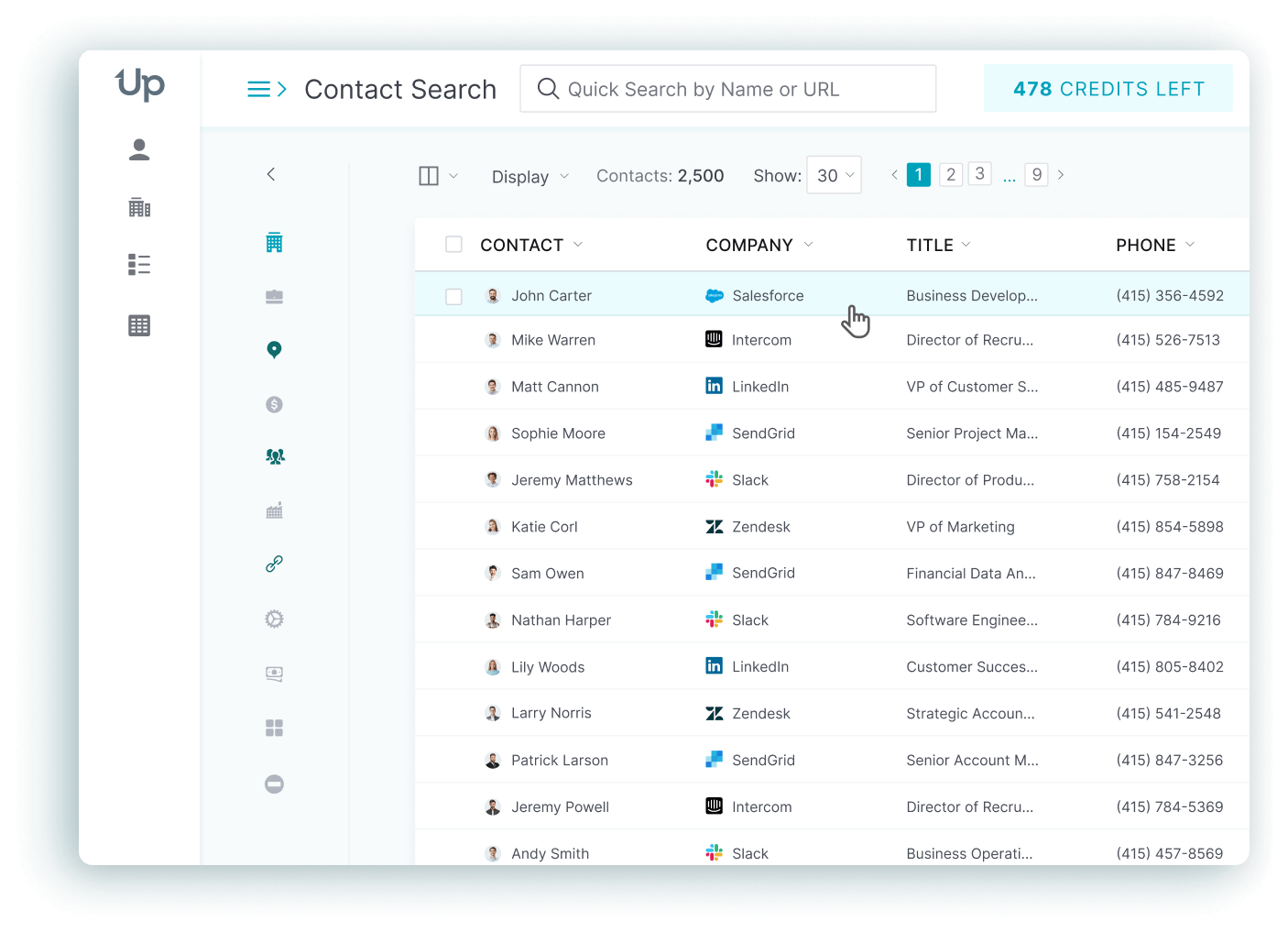
UpLead is an industry leader in data accuracy and quality, ease of use, and tool sophistication. Clay has a free plan and UpLead a seven-day free trial, but UpLead’s pricing is far simpler to predict month to month, and the platform includes more built-in filtering out of the box.

After a seven-day free trial, UpLead’s Essentials plan is $99/month billed monthly or $74/month billed annually, and the Plus plan is $199/month billed monthly or $149/month billed annually. UpLead’s platform searches through more than 200 million profiles of worldwide contacts and filters with more than 50 lead criteria, such as job title, industry, age, gender, and location.

UpLead is also known for its notable 95% accuracy rate for emails and achieves this near-perfect rate through a combination of human and machine learning for real-time email verification processes for higher-quality leads. Experience the power of high-quality leads and an easy-to-use platform by giving UpLead a try today for free.
FAQs About Clay Pricing
Below are some frequently asked questions we have received about Clay.
There’s a free plan, two self-serve paid plans called Launch and Growth, and a custom-priced Enterprise plan. Launch starts at $185/month billed monthly or $167/month billed annually, and Growth starts at $495/month billed monthly or $446/month billed annually, with higher usage tiers available on both.
Usage splits into two meters. Data Credits pay for pulling information from an enrichment provider. Actions pay for workflow steps, AI calls and integrations. The exact cost of each step shows in-app, so you can track spend as you build a workflow.
Data Credits are spent only when Clay pulls a new data point from one of its enrichment providers. Actions are spent on everything else the platform runs for you, including workflow steps, Claygent AI calls plus API or CRM pushes. Actions reset every billing cycle with no rollover, while Data Credits roll over under a cap that Clay states differently on its FAQ and its comparison table.
Each step that spends a Data Credit or an Action deducts it immediately, and the in-app cost bubble next to every action shows the exact charge before you run it. A running report of cumulative spend across both meters shows how close you are to your plan’s monthly limit.
Yes. Clay replaced its old Free, Starter, Explorer and Pro tiers with a new structure in March 2026: Free, Launch, Growth plus Enterprise. It now bills usage through two separate meters (Data Credits and Actions) instead of one combined credit. Customers who were already on a Starter, Explorer, or Pro plan kept their existing pricing; new signups only see Launch and Growth.
What You Need to Remember About Clay Pricing
Clay’s pricing is transparent at the plan level, but understanding how far your Actions and Data Credits actually stretch takes a little hands-on time. Start on Free, watch how your real workflows spend Actions and Data Credits, and move up to Launch or Growth once you know which meter you actually need more of.